 Ignacio Roldán Etcheverry
cca26cc83f
Ignacio Roldán Etcheverry
cca26cc83f
There are two ways a class can be added to ClassDB:

- `A`: When an instance of the class is created for the first time. When
  this happends the class is not registered/exposed to scripts.
- `B`: When calling `GDREGISTER_CLASS(ClassName)` or similar. When this
  happens the class is registered/exposed to scripts.

ClassDB has an API type property to differentiate between the core
and editor APIs. Up until now the API type was determined whenever
the class is added to ClassDB (either `A` or `B`).

The problem comes when a class is instantiated (`A`) before
being registered (`B`).
If at this point the current defined API is not the same as when the
class is later registered, this will result in a mismatch between
`--editor` and non-editor apps.
This is specially bad for C# as it makes the editor player abort.

This was happening with `EditorPaths` which, while being registered
during the editor API classes registrations, it was also being
instantiated earlier when running the editor or the project manager,
via a call to `EditorPaths::create()`. This regression was introduced
in 1074017f04.

This commit fixes this simply by re-assigning the class API type when
the class is registered (`B`).
This is correct because API type describes registered/exposed classes.
It shouldn't cause any regressions as the API type should not be
accessed of classes that are not (or not yet) registered/exposed.

Code locations for reference:
- Method to add a class to ClassDB: `ClassDB::_add_class2`
- Code that adds classes to ClassDB post first initialization (`A`):
  `memnew` macros -> `Object::_postinitialize` ->
  `Object::initialize_class` -> `ClassDB::_add_class2`.
- Code adds class to ClassDB and registers/exposes it to scripts:
  `GDREGISTER_CLASS` macros -> `ClassDB::register_class<T>` ->
  `Object::initialize_class` -> `ClassDB::_add_class2`.


Godot Engine

2D and 3D cross-platform game engine
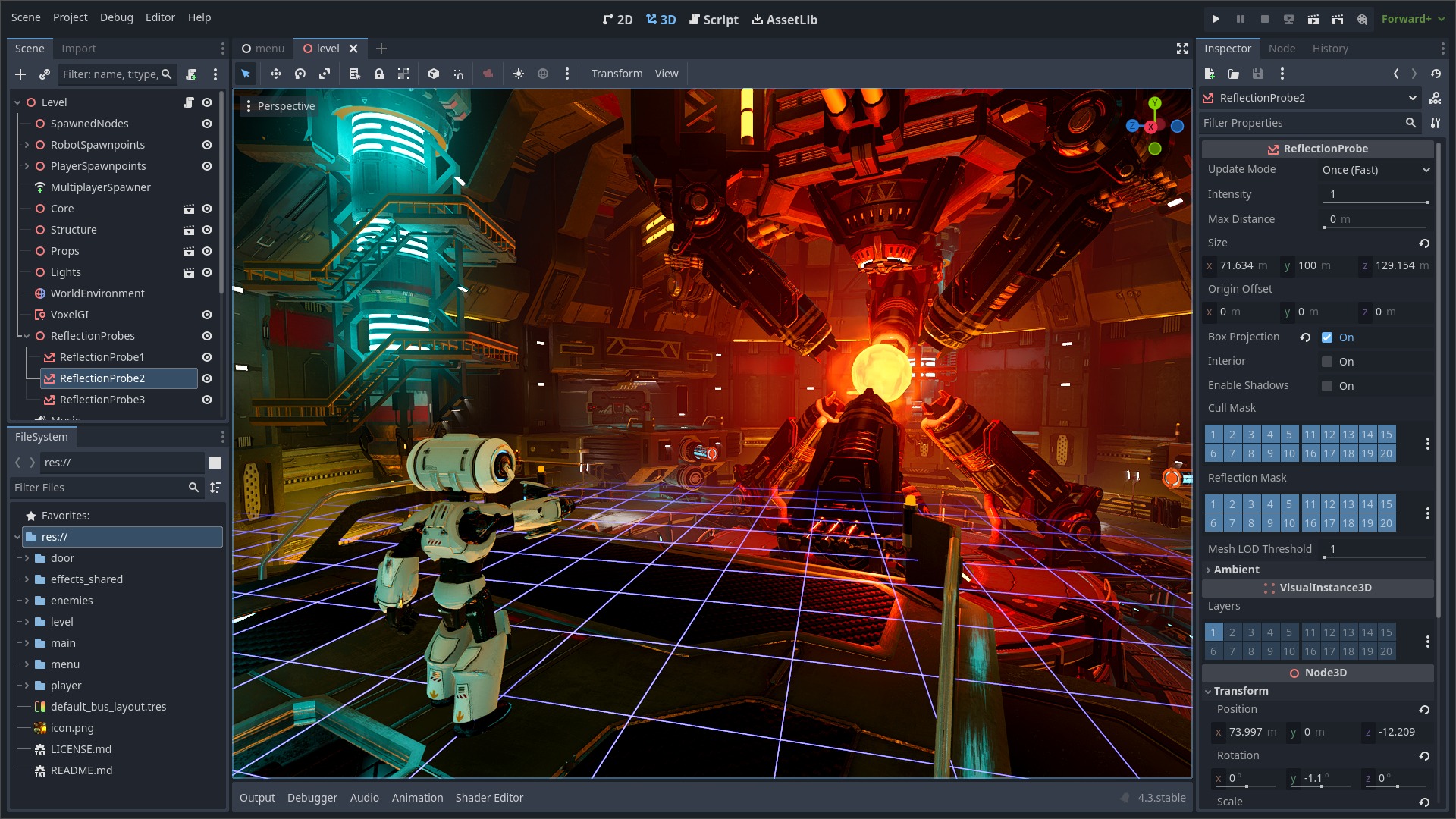
Godot Engine is a feature-packed, cross-platform game engine to create 2D and 3D games from a unified interface. It provides a comprehensive set of common tools, so that users can focus on making games without having to reinvent the wheel. Games can be exported in one click to a number of platforms, including the major desktop platforms (Linux, macOS, Windows), mobile platforms (Android, iOS), as well as Web-based platforms (HTML5) and consoles.
Free, open source and community-driven
Godot is completely free and open source under the very permissive MIT license. No strings attached, no royalties, nothing. The users' games are theirs, down to the last line of engine code. Godot's development is fully independent and community-driven, empowering users to help shape their engine to match their expectations. It is supported by the Software Freedom Conservancy not-for-profit.
Before being open sourced in February 2014, Godot had been developed by Juan Linietsky and Ariel Manzur (both still maintaining the project) for several years as an in-house engine, used to publish several work-for-hire titles.
Getting the engine
Binary downloads
Official binaries for the Godot editor and the export templates can be found on the homepage.
Compiling from source
See the official docs for compilation instructions for every supported platform.
Community and contributing
Godot is not only an engine but an ever-growing community of users and engine developers. The main community channels are listed on the homepage.
To get in touch with the engine developers, the best way is to join the Godot Contributors Chat.
To get started contributing to the project, see the contributing guide.
Documentation and demos
The official documentation is hosted on ReadTheDocs. It is maintained by the Godot community in its own GitHub repository.
The class reference is also accessible from the Godot editor.
The official demos are maintained in their own GitHub repository as well.
There are also a number of other learning resources provided by the community, such as text and video tutorials, demos, etc. Consult the community channels for more information.


